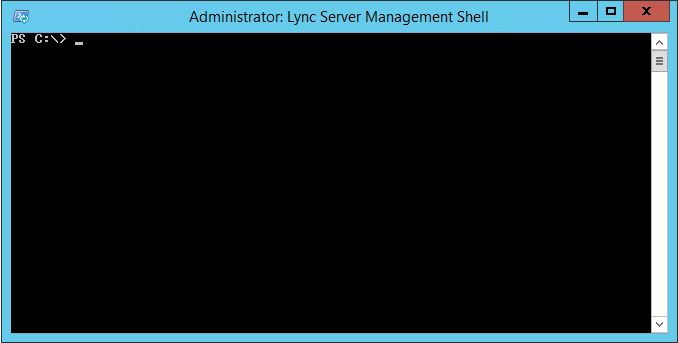
It's a random issue that on the same Lync server some admins are not able to open Lync Server Management PowerShell. It shows a blank screen and no response while other admins can access Lync PowerShell without any issue.
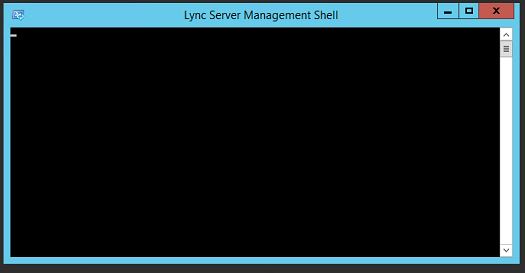
Solution
Close Lync PowerShell and open the Windows PowerShell with Administrative access. You need to run the following command to fix this Lync Management Shell no prompt issue:
powershell.exe -noexit -command "cd $env:UserProfile; Import-Module 'C:\Program Files\Common Files\Microsoft Lync Server 2013\Modules\Lync\Lync.psd1'"
Once the command runs successfully, try Lync Management Shell -- it should work fine with the prompt.