Log Analytics is a tool in the Microsoft Azure portal that we can use for collecting logs and metrics from Azure services such as Azure AD, Virtual machines, Storage accounts, Key vaults, etc.
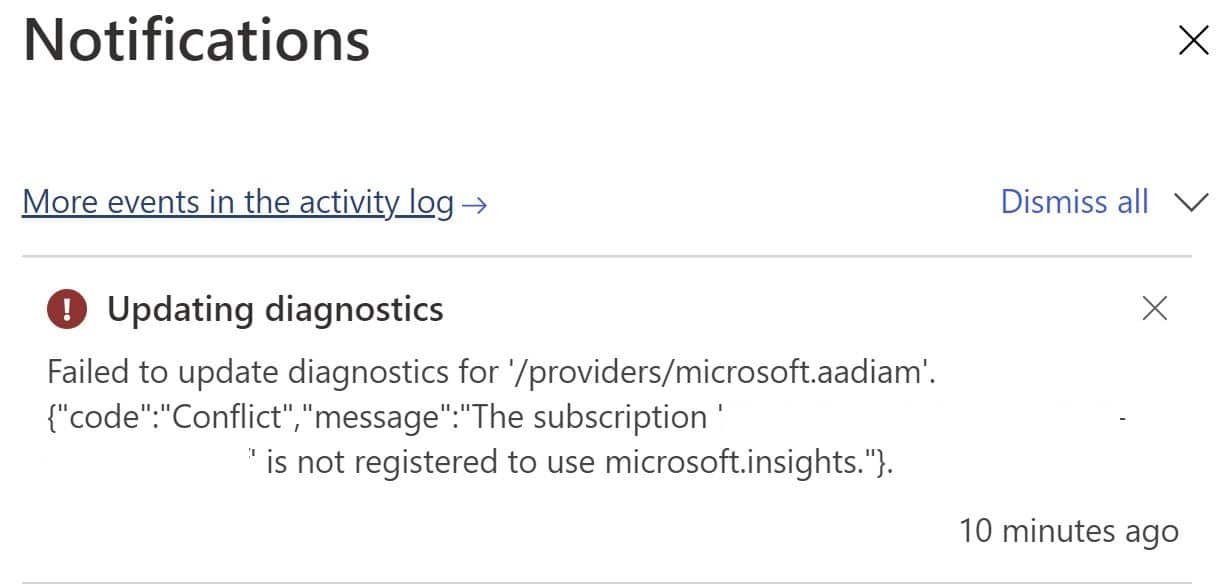
Enabling Log Analytics is relatively straightforward, however, when you add diagnostic settings for Azure AD in the Log Analytics workspace, you will get the following error.
Failed to update diagnostics for '/providers/microsoft.aadiam'.{"code":"Conflict","message":"The subscription '01712935-a25d-47758119-009617eaf92g' is not registered to use microsoft.insights."}.
Solution
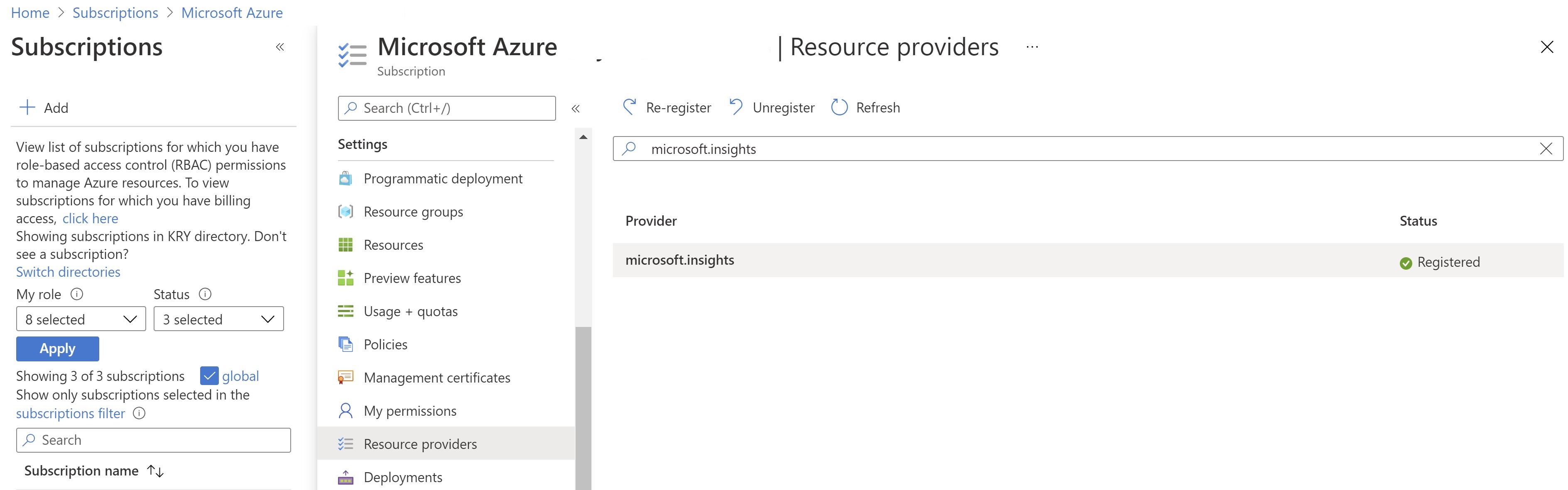
You can fix the above issue by registering "microsoft.insights" from resource providers in your subscription.
You will find that it's already registered but it's not actually, so select the provider and click Re-register.